UltraMicroscope Platform Tutorial: Light sheet alignment
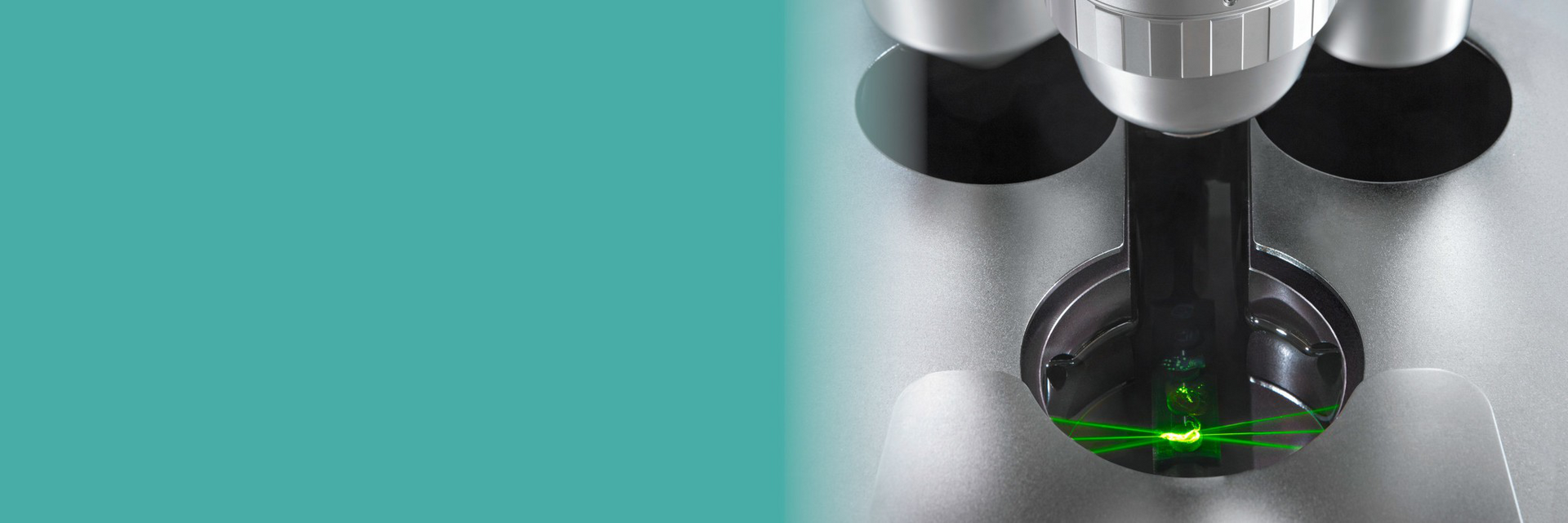

UltraMicroscope Platform Tutorial: Light sheet alignment
About the training
This online training gives an overview of the alignment process for the UltraMicroscope Blaze™. This should be used as supplemental material following UltraMicroscope Platform User Training.
Precise alignment of all six light sheets of the UltraMicroscope Blaze is necessary to align left and right side with each other and to generate best z-resolutions of these high-contrast images. This tutorial provides interactive process overviews and short video explanations of the alignment process.
Agenda:
- List required materials and software settings for alignment
- Identify the best practices for the alignment tool and placement
- Utilize software tools and alignment screws to align the light sheets
This training course provides a repetition of the alignment process from the UltraMicroscope Platform User Training and is only available for users who have received our standard training (please provide information about your training record).
Learning objectives
- Describe required materials and UltraMicroscope Blaze™ ImSpector software alignment parameters for light sheet alignment
- Use jog wheel to center the alignment tool within light sheet
- Follow the procedure for aligning the light sheet path using center right beam
- Follow the alignment procedure for the remaining right and left light sheets
- Confirm and save alignment settings

Your Miltenyi University benefits

Access online courses anytime, anywhere.

Become an expert in standard and innovative applications.

Acquire broad expertise and a comprehensive skill set.
Let us know your thoughts!
You did not find the course you are looking for? Do you have questions or comments?
You have previously chosen International as your location.
What do you want to do?